Click the notch to look something up, check a doc or leave a video playing. Click again and the browser tucks back in, with your tabs where you left them.
US$3.99, once · macOS 14 or later · No account, no subscription
Click the notch to put it away
FinderFileEditViewGoWindow9:41
It’s a real browser, just a small one.
NotchBrowser runs on WebKit, the engine behind Safari. Every screenshot on this page shows the actual app.
Tabs that come back after a restart
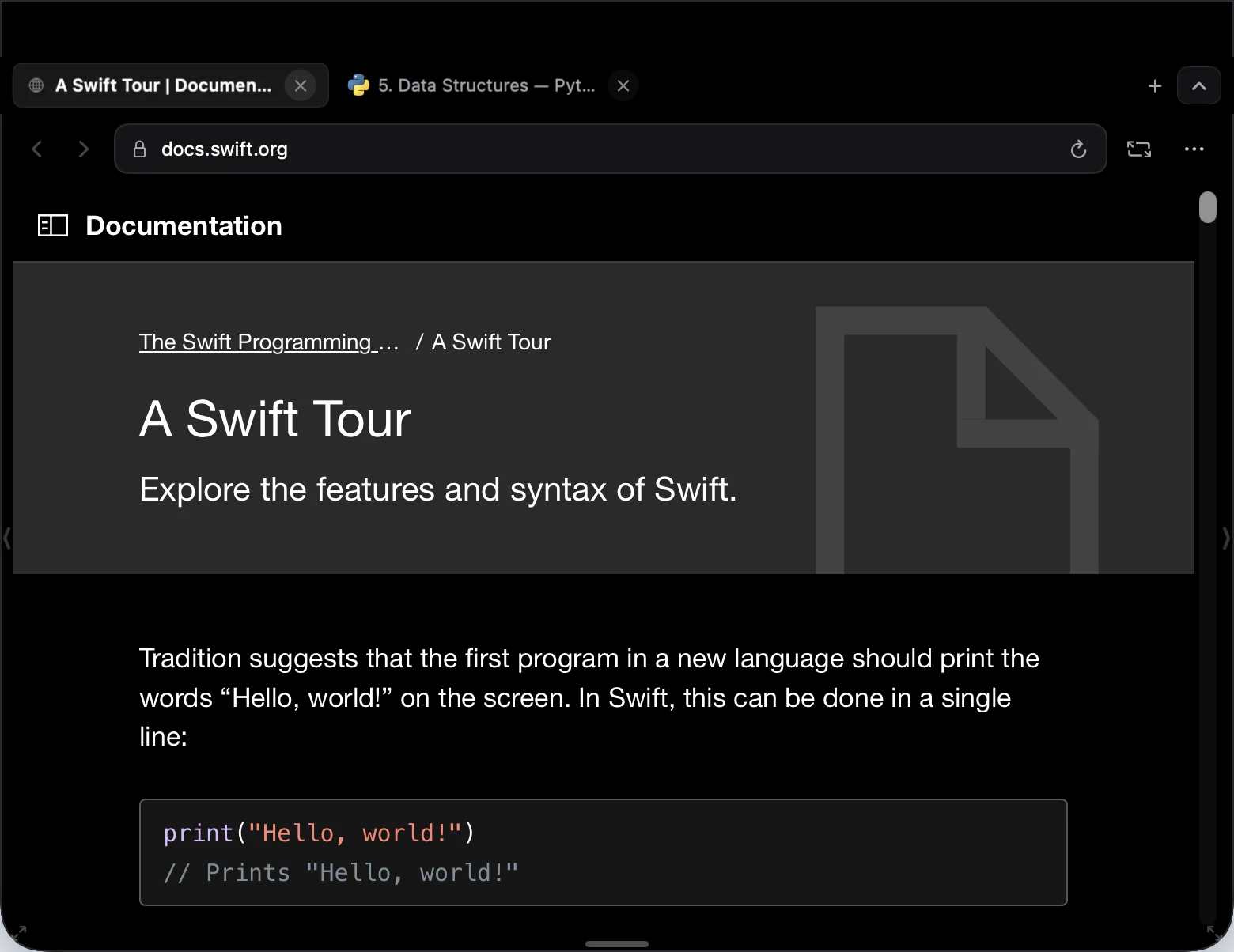
Open as many tabs as you need. Quit and relaunch, and the tab you had selected comes back with up to eight others. Background tabs wait to load until you click them.
⌘TCommand TNew tab
⌘WCommand WClose tab
⌘⇧TCommand Shift TReopen closed tab
Cinema Mode for video pages
On a page with an HTML video, Cinema Mode hides everything but the player so the video fills the panel. Press Escape and the page goes back to how it was. Only the layout changes. It doesn’t get around DRM.
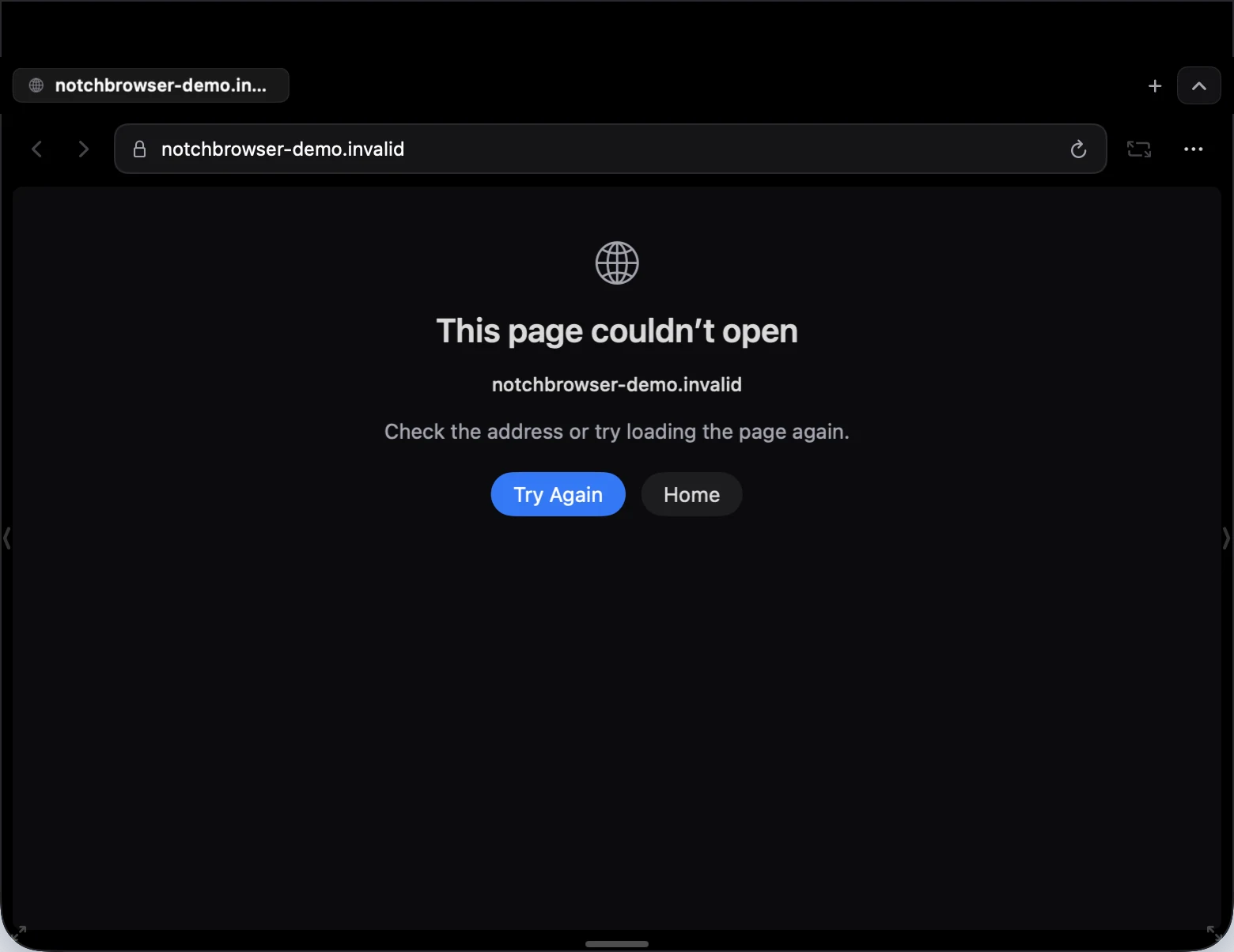
You get a plain error page that keeps the address you typed. Try Again requests that same address; Home takes you to the start page. And if a page crashes, you get those two buttons instead of a reload loop.
⌘RCommand RReload
⌘LCommand LEdit the address
Settings you’ll actually use
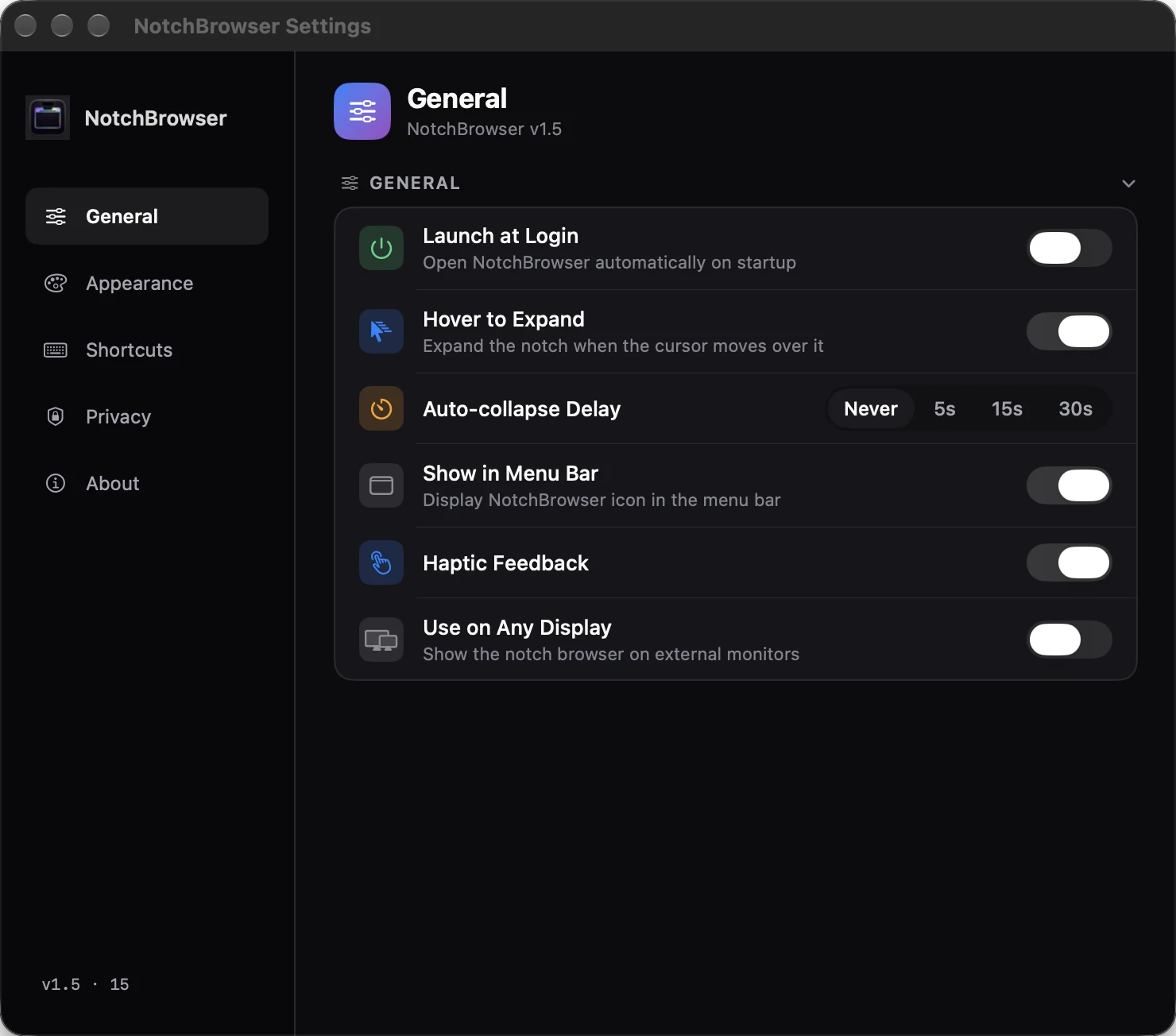
Open the panel on hover or only on click. Have it collapse after 5, 15 or 30 seconds, or never. Pick one of six accent colors. Turn on Use on Any Display if you work on an external monitor. Clear Browsing Data closes your tabs and deletes cookies, cache and saved site data in one go.
⌘,Command CommaSettings
Keyboard shortcuts
They work whenever the panel has focus.
Tabs and pages
Action
Shortcut
Address or search
⌘LCommand L
New tab
⌘TCommand T
Close tab
⌘WCommand W
Reopen closed tab
⌘⇧TCommand Shift T
Previous tab
⌘⇧[Command Shift Left bracket
Next tab
⌘⇧]Command Shift Right bracket
Select tab 1 to 8
⌘1–8Command 1–8
Select last tab
⌘9Command 9
Back
⌘[Command Left bracket
Forward
⌘]Command Right bracket
View and panel
Action
Shortcut
Reload
⌘RCommand R
Find in page
⌘FCommand F
Cinema Mode
⌘⇧FCommand Shift F
Zoom in
⌘+Command Plus
Zoom out
⌘−Command Minus
Actual size
⌘0Command 0
Settings
⌘,Command Comma
Close the address editor, Find, Cinema Mode, then the panel
EscEscape
The details
Price
US$3.99, paid once on the Mac App Store
Requires
macOS 14 Sonoma or later
Engine
Apple WebKit
Search
Google
Opens from
The notch, a hover (optional), the menu bar icon or the Dock
Without a notch
Top center of the screen; Use on Any Display for external monitors
Restored on relaunch
Your selected tab plus up to eight more
Data collected
None. No account, no analytics
Questions people ask
Can I use a browser in the MacBook notch?
Yes. NotchBrowser is a Mac app that puts a compact WebKit browser behind the notch on MacBook Air and MacBook Pro models that have one. Click the notch and the browser drops down over whatever you’re doing. Click it again, or press Escape, and it goes away.
Does NotchBrowser work on Macs without a notch?
Yes. On a display without a notch, the browser opens from the top center of the screen. To use it on an external monitor, turn on Use on Any Display in Settings, under General. We haven’t tried every multi-monitor setup. If yours misbehaves, email us.
Is there a subscription?
No. NotchBrowser costs US$3.99 once on the Mac App Store. There are no in-app purchases and no account to create.
Does NotchBrowser track me?
No. The app has no analytics and no account, and it doesn’t send anything to us. Pages you open talk to their own servers. Searches you type in the address bar go to Google, and websites can set cookies like they would in any browser. You can clear cookies and site data from Settings, under Privacy.
Which version of macOS do I need?
macOS 14 Sonoma or later.
Does it work with streaming services?
We haven’t tested subscription streaming services, so we can’t promise any of them will play. Cinema Mode only rearranges pages that use a standard HTML video element. It doesn’t bypass DRM.
How do I open NotchBrowser?
Click the notch. You can also let it open when your pointer rests on the notch, choose Open Browser from the menu bar icon, or click NotchBrowser in the Dock.
Get NotchBrowser
US$3.99 on the Mac App Store. Pay once and it’s yours.
 NotchBrowser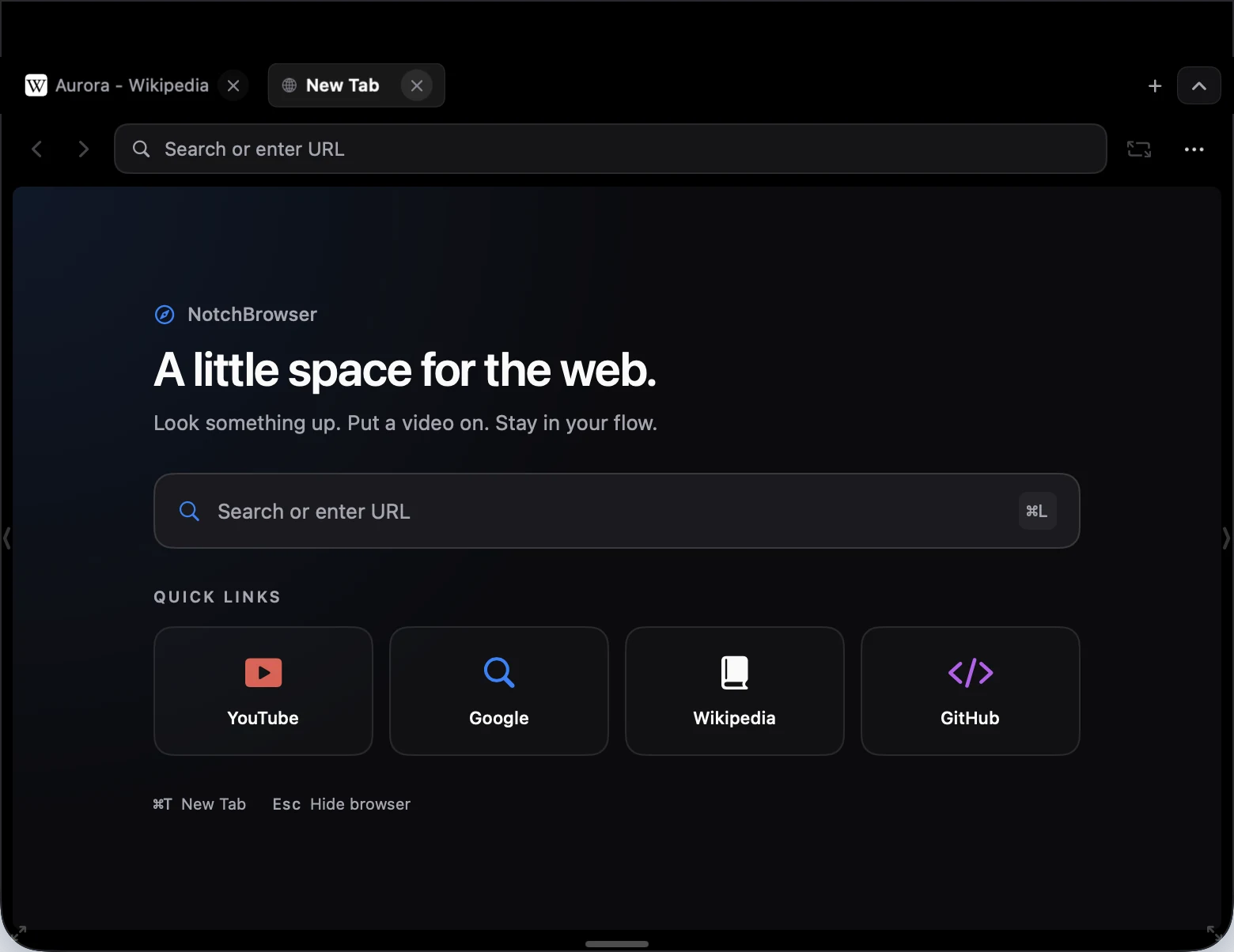
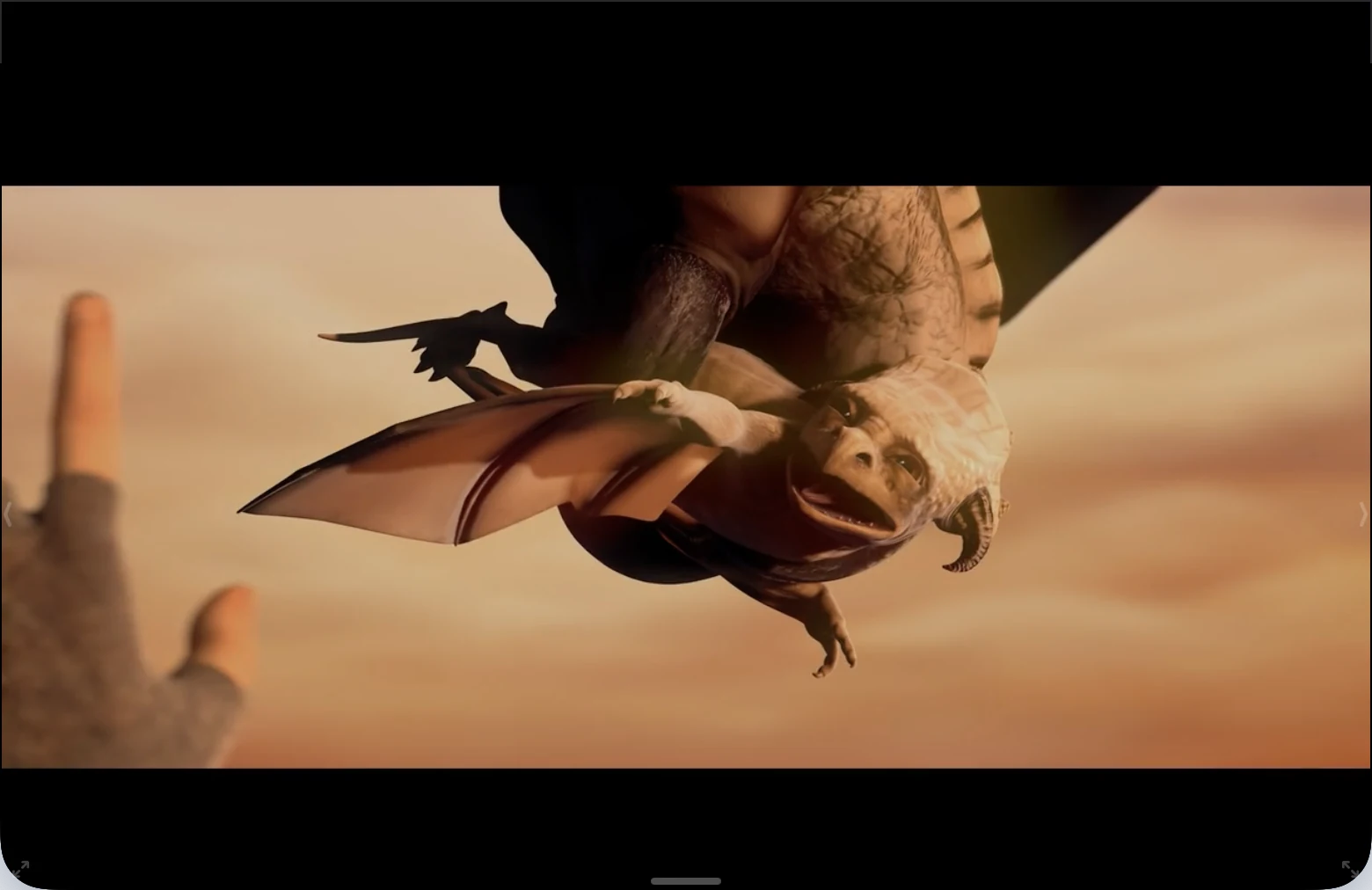 Video: Sintel © Blender Foundation, CC BY 3.0